
dsh-video-gen
Video generation for DeepSeek Harness: text-to-video, image-to-video from a start frame, a clip that plays in the conversation, live progress, and cancel — against your own OpenAI-style asynchronous video API. No vendor is baked in; you add endpoints in Settings.







What it does
| Surface | Behaviour |
|---|---|
generate_video |
Queues a clip. prompt is required; seconds, size, orientation, fps, seed, enhance, negative_prompt and model are optional. |
| Start frame | Pass image_url, source_attachment_id (an image already in the chat), or source_path (a file in the session workspace). That picture becomes the clip’s first frame. |
check_video |
One job by id, or the recent list. Adopts a job id this host never saw by asking the server. |
cancel_video |
Stops a queued or running render so the GPU frees up. |
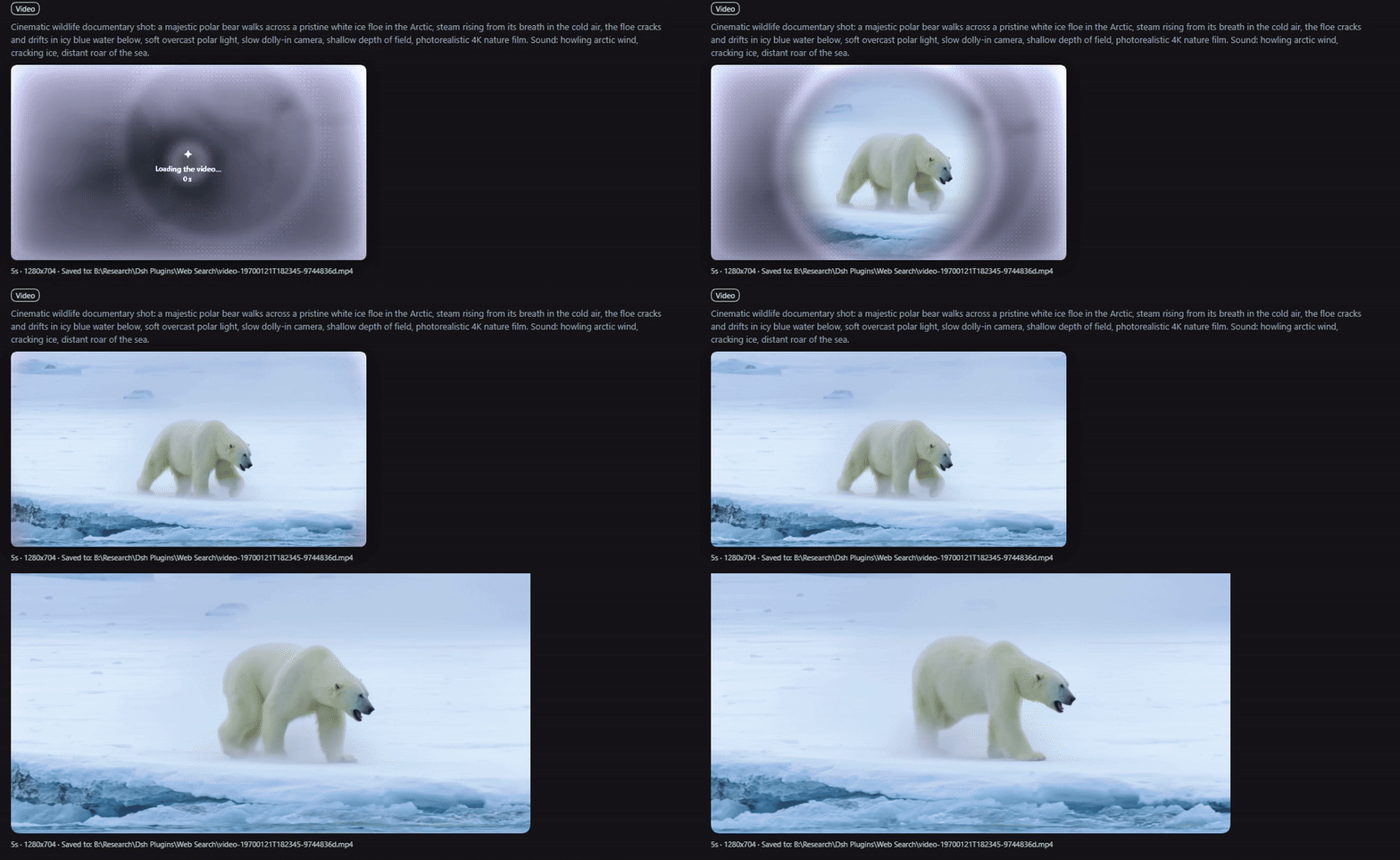
| Tool card | The finished MP4 plays inline with native controls and seeks via Range requests; while rendering, the card shows a “being made” sheet — ripples, plain-words stage, percent, and time — with a cancel button. |
Long renders do not hold the conversation: generate_video waits for waitGraceMs (default 2 minutes) and then returns the job id. Use wait: "until_done" to block for the whole render, or wait: "none" to return immediately.
The plugin ships with no endpoint configured. The first thing you see is the settings card, not a request to a host you never chose.
Install
dsh plugin --profile web add dsh-video-gen-plugin
dsh --profile web
That resolves through npm. To pin one release instead, install its tarball — every release carries plugin.tgz:
cd C:\Users\<you>\.dsh\profiles\web
pnpm add https://github.com/adithyanraj03/dsh-video-gen-plugin/releases/latest/download/plugin.tgz
Either way the package must end up in the profile’s dsh.profile.bundles, and the host has to restart for the tools and routes to register:
"dsh": { "profile": { "bundles": ["dsh-video-gen-plugin"] } }
Install
dsh-video-gen-plugin, notdsh-video-gen— the latter is a different plugin.
From a local checkout instead:
pnpm install
pnpm run build
# link it into the profile's dependencies and add "dsh-video-gen-plugin" to its bundles
pnpm install --dir C:\Users\<you>\.dsh\profiles\web
In the desktop app: Settings → Plugins → Add plugin, paste https://github.com/adithyanraj03/dsh-video-gen-plugin.
Configure an endpoint
Open Settings → Plugins → Video generation:
- Add endpoint and give it a name.
- Base URL — the API root including its version prefix, for example
https://your-host/v1. - API key — paste the bearer token and press Save key; it goes to the harness credential store, never into settings JSON or a log.
- Test & fetch models — the host calls
GET /modelsand fills the model picker. If your server has no/models, type the id by hand. - Save settings, then mark that endpoint as use this endpoint.
Every field is per endpoint, and an endpoint can override the global defaults (seconds, size, fps, orientation, prompt enhancer).
The API shape it expects
One endpoint per row, all calls bearer-authenticated:
| Call | Purpose |
|---|---|
POST /videos |
Submit. JSON body, or multipart with the start frame in input_reference (PNG/JPEG/WebP, one image, ≤ 20 MB). |
GET /videos/{id} |
Poll: status (queued, in_progress, completed, failed), progress, stage, queue_position, error.code. |
GET /videos/{id}/content |
MP4 bytes; ?variant=thumbnail for the middle-frame JPEG. |
DELETE /videos/{id} |
Cancel. |
GET /models |
Model ids for the settings probe. |
Requirements
- DeepSeek Harness 0.1.7-rc.2 or newer.
- One video API that speaks the shape above, plus its API key.
- A web profile: the clip card, the progress poll, and the settings card use the harness web server.
Apache-2.0. Full documentation, development notes and the release history live in the repository.